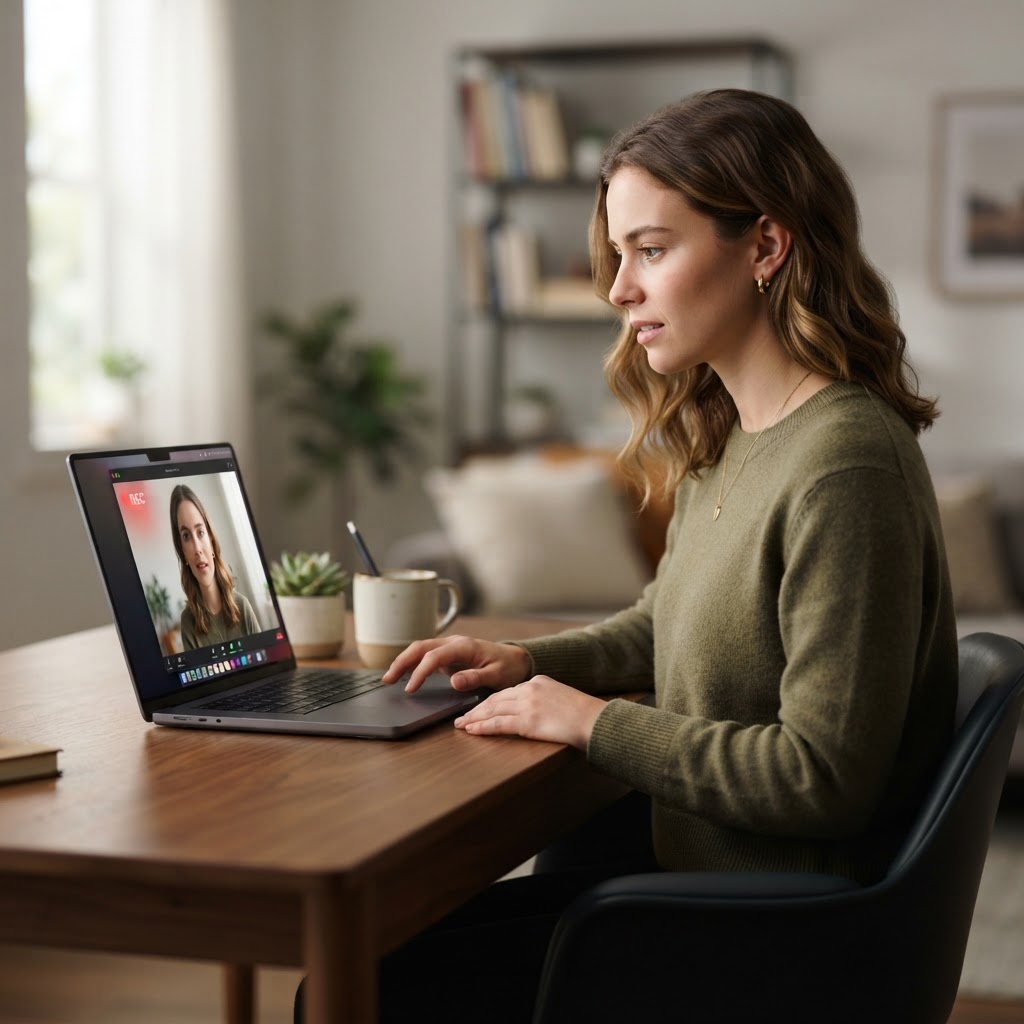
AI video interviews are usually a first screening step, not a conversation with a robot that decides your entire future. The safest approach is to prepare for the questions, understand what the employer has told you about the process, and answer clearly in your own voice rather than trying to perform for an invisible score.
For students and recent graduates, a recorded interview can be unsettling. You may be given a question on screen, a short preparation period, and one chance to record your answer. Some systems simply capture and organise responses for a recruiter. Others may use automated tools to transcribe, summarise or evaluate parts of the response. The candidate experience is not always clear, which is why preparation matters.
What Happens in an AI Video Interview?
The exact process varies by employer and platform, but most recorded interviews follow a simple pattern. You receive an invitation and instructions, test your camera and microphone, see a question, prepare for a limited amount of time, and record an answer. The employer or its recruitment system then reviews the recording, transcript or structured response.
Do not assume every platform analyses facial expressions or tone of voice. That is not a safe generalisation. Employers use different tools for different purposes, and some use automation only to collect and organise responses. If the instructions do not explain what is being assessed, you can ask the recruiter for more information.
What Should You Ask Before Recording?
You are allowed to seek clarity about the process. A short, polite message can ask whether the interview is reviewed by a person, whether automated tools are used to analyse or rank responses, what qualities are being assessed, how long the recording is retained, and who to contact if you need a reasonable adjustment.
You do not need to turn the exchange into a confrontation. The point is to understand the process well enough to prepare and to make sure a technical or accessibility issue does not become a mistaken judgement about your ability.
In the UK, the Information Commissioner's Office has identified recruitment as an important area for scrutiny when organisations use artificial intelligence and automated decision making. This article is practical guidance, not legal advice, so ask the employer how its own process works rather than relying on assumptions about every hiring platform.
How to Prepare for an AI Video Interview
Start with the job description. Highlight the skills, behaviours and outcomes the employer mentions repeatedly. Then prepare a small set of real examples from university, part time work, volunteering, societies, projects or caring responsibilities. You do not need a long employment history to demonstrate initiative, teamwork, problem solving or learning.
Build your examples using Situation, Task, Action and Result. Keep the situation brief. Explain what you were responsible for. Spend most of the answer on what you actually did, then finish with the result and what you learned. This gives your answer a clear structure without making it sound memorised.
Practise speaking to a camera, but do not write a script and read it word for word. AI tools can help you generate practice questions or identify gaps in an answer, but they cannot replace your own evidence. A polished answer with no specific detail sounds generic to a human recruiter and can be difficult to deliver naturally on camera.
How to Sound Natural on Camera
Look at the camera when you begin answering, then let your eyes move naturally. Speak slightly more slowly than you would in a casual conversation. Pause before answering if you need to collect your thoughts. A short pause is better than rushing into a vague answer.
Use notes only if the platform permits them, and keep them to a few words rather than full sentences. A useful prompt might say: “student society event, 200 attendees, solved venue issue, learned to communicate early.” Those reminders help you remember the evidence while keeping the delivery human.
Check the practical details before the real recording. Use a quiet space, stable internet, front facing light and a camera at eye level. Close notifications and choose clothing that makes you feel comfortable and professional. None of this needs to look expensive. Clear sound and a calm environment matter more than a studio background.
What AI Cannot See Clearly
Automated systems can process words and structured information, but they do not know the full context of your life. They may not understand why you took a particular route, what constraints you worked around, or how much you improved. That is why your answers should make the evidence explicit.
Instead of saying “I am a good organiser,” describe the event you organised, the problem you faced, the action you took and the outcome. Instead of saying “I work well in teams,” explain the part you played and how the team result changed. Specific evidence gives both people and systems something concrete to understand.
When You Need an Adjustment
If a disability, health condition, caring responsibility, language issue or technical limitation affects how you complete a recorded interview, contact the employer as early as possible. Ask what adjustments are available and keep the request focused on what would allow you to demonstrate your ability fairly.
Do not quietly struggle with a process that is inaccessible and then assume the result reflects your potential. The employer needs enough information to make the process workable, and early communication gives everyone more options.
AI Video Interview Preparation in Practice
A strong preparation plan has three parts. First, understand the process and ask what is being assessed. Second, prepare six to eight real examples that show the skills in the job description. Third, practise concise answers on camera until you can speak clearly without sounding scripted.
If you want help with the wider hiring system, the live session Careers in the Age of AI: Getting into the Yes Pile covers how automated recruitment tools, ATS systems and LinkedIn Recruiter shape the journey from application to interview. It also includes a personal review of your CV and LinkedIn profile after the session. Find out more at alessandradilorenzo.com/career-coaching.
You can also read the Complete Guide to Getting Hired in the Age of AI, the practical comparison of ATS Software vs Human Recruiters, and the guide to the STAR Interview Method for Graduates.
Frequently Asked Questions
Are AI video interviews judged entirely by artificial intelligence?
Not always. Some employers use software to collect, transcribe or organise answers, while others use automated analysis as one part of screening. Ask the employer or recruitment provider how the process works.
What should I wear for an AI video interview?
Wear something comfortable and appropriate for the role, with a clear contrast against your background. The most important factors are reliable sound, good lighting and a setting where you can concentrate.
Can I use notes in a recorded interview?
Only if the instructions allow it. If notes are permitted, use brief prompts rather than a script. Reading full sentences usually makes your delivery less natural.
How long should my answers be?
Follow the platform instructions. If no limit is given, aim for a focused answer of around one to two minutes. Give enough context to understand the example, then spend most of the time on your actions and result.
What if I am nervous on camera?
Practise with a phone or laptop, review one recording, and improve one thing at a time. You do not need to eliminate nerves. You need a clear structure and enough familiarity with your examples to keep going after a pause.